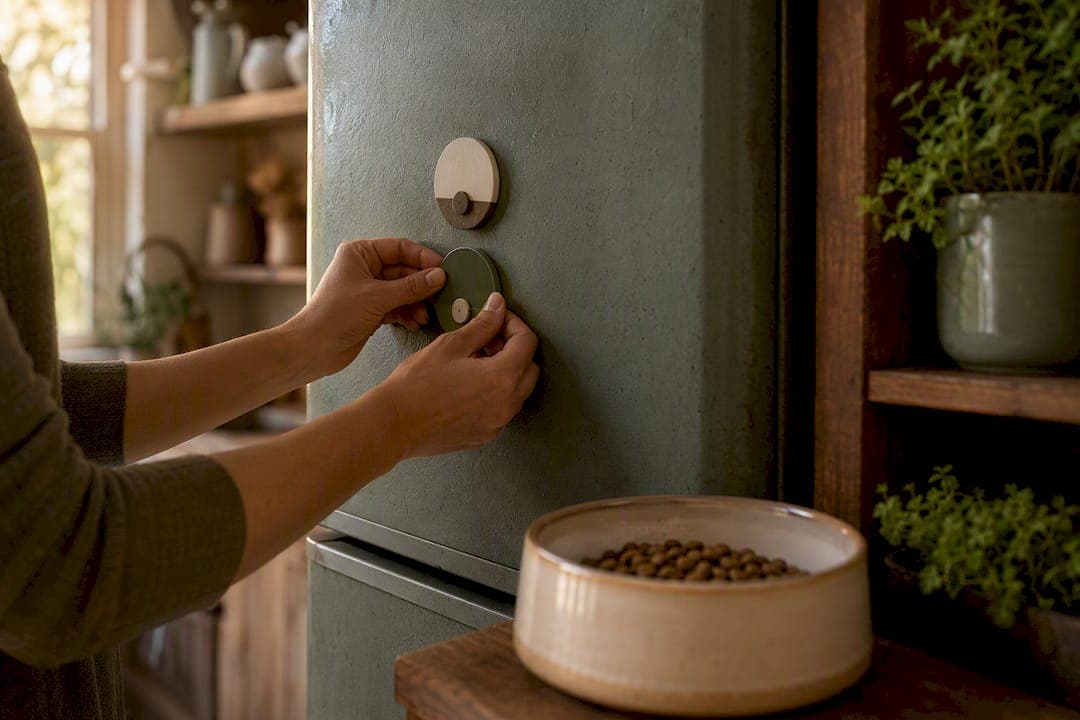
A pet feeding reminder system is any tool, app, sticker, or device that alerts you, confirms a meal happened, or dispenses food automatically so your pet gets fed on time, every time. It exists to solve one specific problem: missed meals and double feedings caused by busy schedules or multiple caregivers forgetting who fed the dog last.
If you want a fast recommendation instead of the full breakdown:
- Shared household with kids or roommates? Start with a magnetic sticker or whiteboard system paired with one shared reminder app.
- Flexible schedule, want digital records? A reminder app with recurring notifications and shared logging covers most needs.
- Away from home often, need food to actually arrive in the bowl? A smart automatic feeder with remote dispensing is worth the cost.
If your pet is on medication, insulin, or a post-surgery diet, precision matters more than convenience. Jump to the feeding frequency section below before picking a tool, and consider pairing any system with a vet-aligned feeding plan so portion sizes and timing are actually correct, not just remembered.
Key Takeaways
A pet feeding reminder system prevents missed and double feedings by combining a scheduled trigger, a confirmation step, and a backup plan.
| Point | Details |
|---|---|
| Definition | A pet feeding reminder system schedules alerts, confirms meals, or automates dispensing to keep feeding consistent. |
| Pick by scenario | Low-tech works for shared households, apps suit flexible schedules, smart feeders fit frequent travel. |
| Combine layers | A digital reminder plus a physical confirmation log catches more missed meals than either alone. |
| Medical cases need precision | Diabetes, timed meds, and post-surgery diets require vet-aligned timing, not just an app alert. |
| Pair with a real feeding plan | Bowlful's RER/MER-based plans set the correct portions and windows before you program any reminder tool. |
Table of Contents
- How a Pet Feeding Reminder System Actually Works
- The Four Main Types of Pet Feeding Reminder Systems
- Which System Fits Your Household?
- What to Look for Before You Choose a Tool
- Setting Up Each Type, Step by Step
- What This Actually Costs You
- How Often Should Pets Actually Be Fed?
- Where These Systems Break Down, and How to Fix It
- Why I Trust a Hybrid System Over Any Single Tool
- Get the Feeding Plan That Makes Your Reminders Accurate
- Frequently Asked Questions
- Sources
How a Pet Feeding Reminder System Actually Works
Every version of this, from a $2 sticker to a $250 Wi-Fi feeder, runs on the same basic loop: a schedule creates a trigger, the trigger sends an alert, someone or something confirms the meal happened, and the event gets logged. Understanding this flow matters more than knowing brand names, because it tells you where a system can fail.
The schedule is the easy part. You set feeding times, either manually or through an app, and the system fires an alert at those times. That alert might be a phone notification, a chime, a flipped magnet, or a blinking light on a feeder. What happens next separates the tiers.
Confirmation methods vary widely:
- A manual check, someone physically looks in the bowl.
- A tap in an app that logs "fed" with a timestamp.
- A physical flip on a magnetic sticker or whiteboard mark.
- A sensor or camera that detects motion or weight change.
- Feeder telemetry that reports dispensing directly to an app.
Automation genuinely helps with the dispensing step, getting food into the bowl on schedule without a human present. It's less reliable for confirming that the pet actually ate, checking portion accuracy for wet food, or handling medication timing. The Home Automation Cookbook's approach to pet feeding reminders uses escalating alerts precisely because a single notification gets missed often enough to matter. If nobody confirms within a set window, the system nags again, then nags someone else.
The Four Main Types of Pet Feeding Reminder Systems
Every reminder system on the market falls into one of four categories. None is universally "best." Each solves a different failure mode.
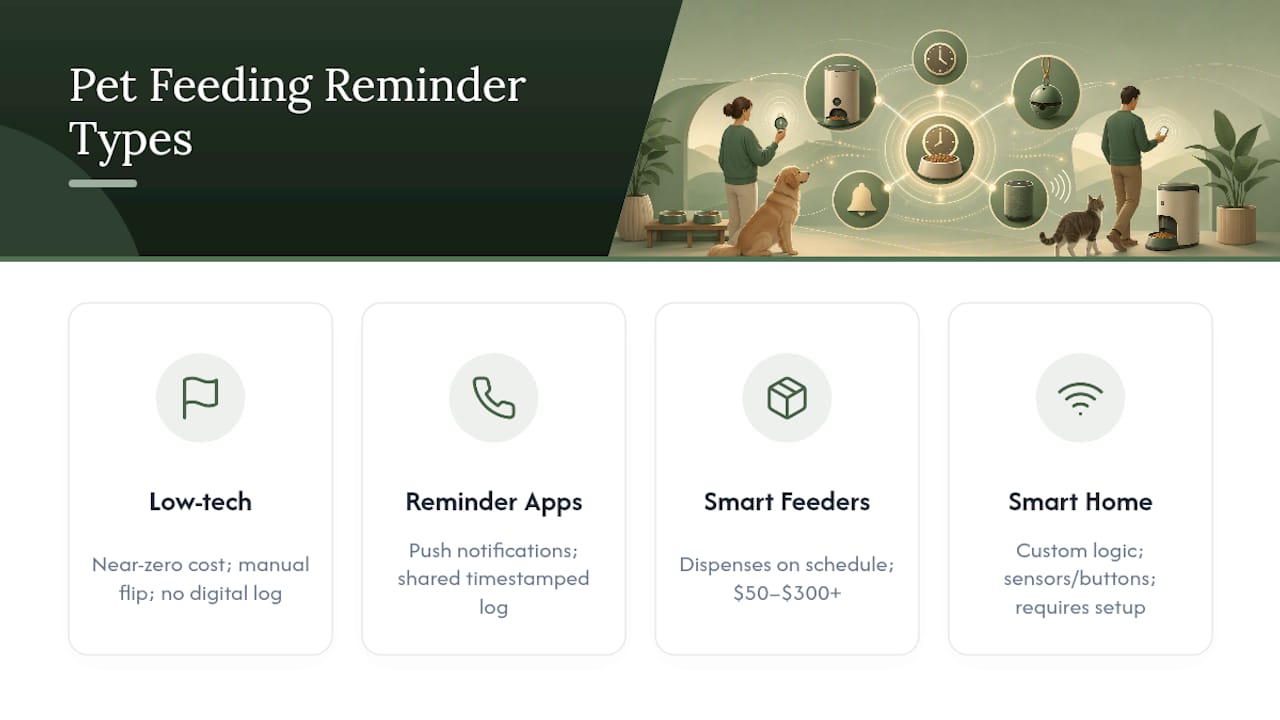
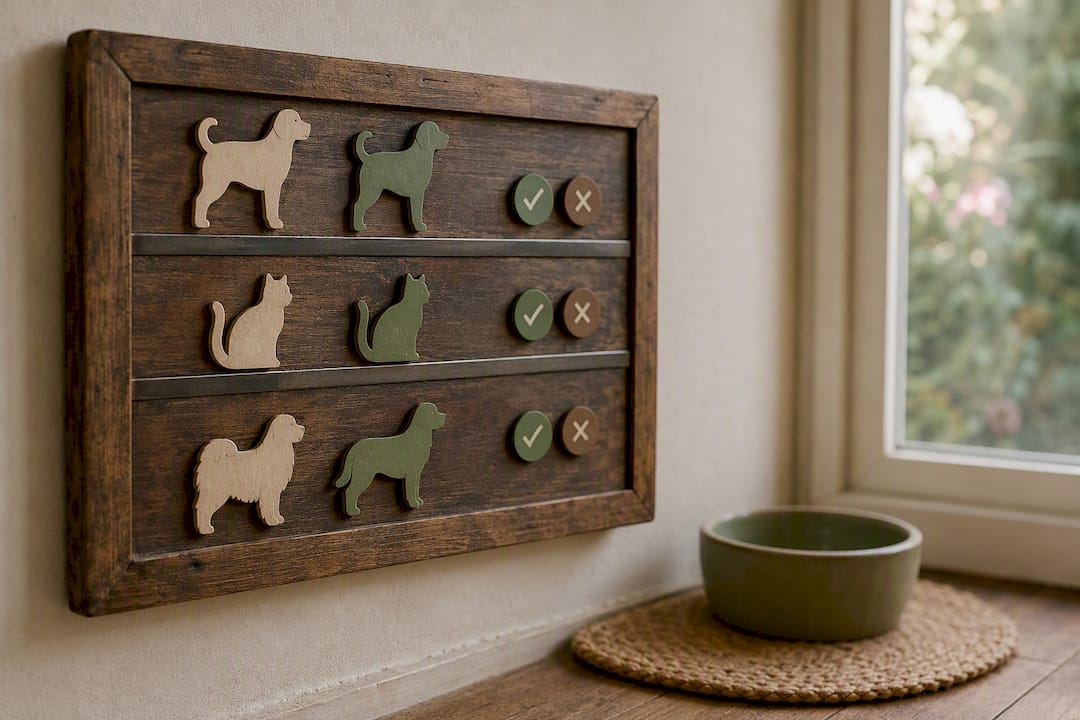
Low-tech visual systems. Magnetic feeding stickers, like the sliding-magnet style sold under names such as Kwispel, stick to the fridge and flip from "not fed" to "fed" by hand. A kitchen whiteboard works the same way. Cost is near zero, reliability depends entirely on people remembering to flip it, and there's no digital log. Best for multi-caregiver households that want something dead simple and visible.
Reminder apps and trackers. Mobile apps send scheduled push notifications, let you invite household members, and keep a timestamped log. Apps in this category, sometimes listed under names like Fed?, focus on one-tap confirmation rather than a long feature list. Broader apps positioned as a personalized care plan and shared household tracker extend the same idea to meds and vet visits. Cost usually ranges free to modest subscription tiers. Best for households that want a shared digital record without buying hardware.
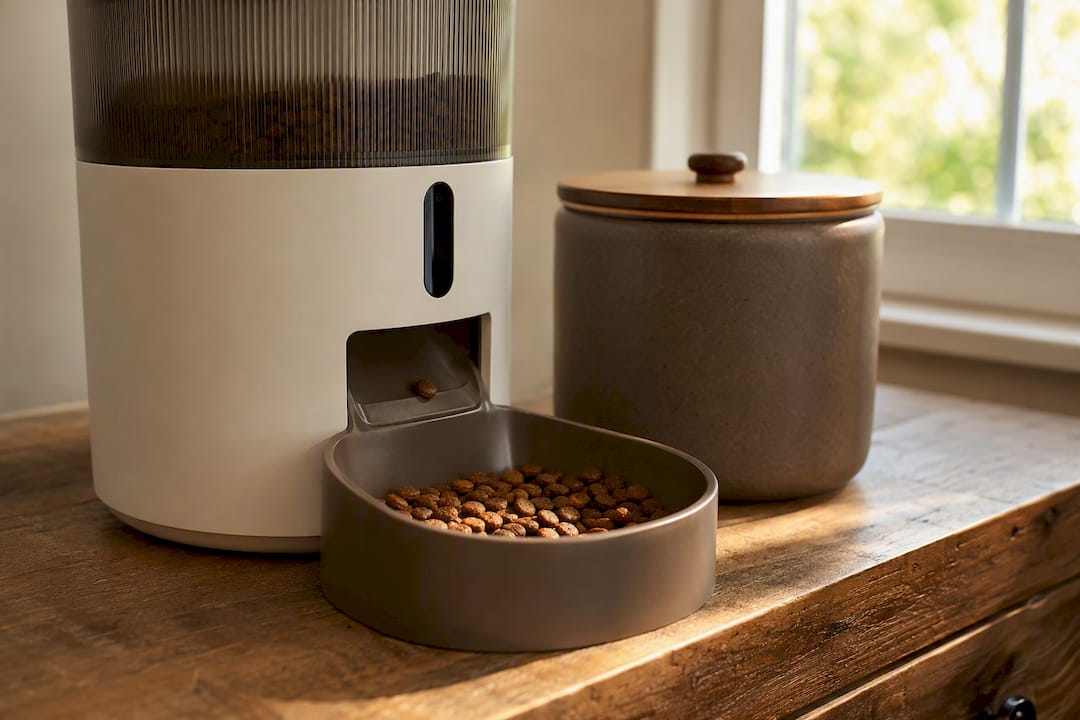
Smart and automatic feeders. Devices from brands like PetSafe, Petlibro, WOpet, and Aqara dispense pre-set portions on a schedule, often with remote-trigger options and phone alerts. Aqara's Smart Pet Feeder C1 adds camera integration to confirm eating, plus anti-jam mechanics and battery backup. Higher-end options like Whisker's Feeder-Robot add offline operation and refill alerts. Cost runs $50 to $300-plus. Best for anyone who needs food to physically arrive on time even when nobody's home.
Smart home automations. Platforms like SmartThings, Home Assistant, and smart buttons such as Flic let you build custom reminder logic: a button press confirms feeding, a sensor detects bowl activity, and unconfirmed meals trigger escalating alerts across multiple people's phones. Sure Petcare's connected feeders and cat flaps plug into this ecosystem too. Setup takes longer and assumes some technical comfort. Best for households that already run a smart home and want feeding folded into existing routines.
Which System Fits Your Household?
Matching the tool to your actual life matters more than picking the "best-rated" option.
- Single owner working from home: A basic app reminder is often overkill, but useful anyway; even one person forgets on a hectic day. A simple recurring phone alarm plus an app log covers it.
- Multi-caregiver family with kids or teens: Combine a visible whiteboard or magnetic sticker with one shared app. The Yougot found that a trigger, accountability, and a backup person are the three components that actually stop missed and doubled meals. Skip any one of them and the system breaks.
- Frequent traveler or pet sitter situations: An automatic dispensing feeder with remote app control is worth the investment; you need food arriving whether or not the sitter checks their phone.
- Pet on medication, insulin, or a post-surgery diet: Don't rely on automation alone. Pair digital reminders with a written log and get your vet's input on timing precision.
Multi-pet households face a specific risk: double-feeding, where two caregivers each think the other hasn't fed the pet yet, so both do. A shared confirmation log or a feeder with pet-recognition tagging solves this more reliably than trusting memory.
What to Look for Before You Choose a Tool
Feature lists look similar across products until you actually use them. Here's what separates a system that sticks from one you'll abandon in three weeks.
- Shared access: Multiple people can see and confirm feedings, which directly prevents the double-feeding problem above.
- Confirmation and logging: A timestamped record beats "I think I fed him" every time, especially useful when a vet asks about appetite changes.
- Automation level: Know whether you're buying a reminder (you still do the work) or a dispenser (the device does it).
- Portion control: Matters most for weight management or medically prescribed amounts; check this against your dog's actual calorie needs rather than guessing.
- Offline reliability: Battery backup and local operation matter, since a Wi-Fi outage shouldn't mean a missed meal.
- Escalation: Repeat alerts to a second person when the first one doesn't respond, a small feature with an outsized effect on reliability.
- Privacy and data policy: Cloud-connected apps and feeders collect usage data; check what's stored and shared before linking cameras or personal profiles.
Cheaper systems tend to demand more human discipline; pricier ones automate more but fail differently when hardware glitches. Test any new system for a week before fully trusting it with a pet's health needs.
Setting Up Each Type, Step by Step
Low-tech (about 10 minutes): Map out your pet's schedule, put a whiteboard or magnetic sticker somewhere everyone passes daily, set phone alarms as backup, and assign one primary and one backup caregiver by name.
App-based (15 to 30 minutes): Create a pet profile, schedule recurring reminders for each meal, invite every household member who might feed the pet, turn on confirmation logging, and send a test notification to everyone's phone to confirm it actually arrives.
Smart feeder (30 to 90 minutes): Choose a feeder sized to your pet's portion needs, calibrate the weight or portion setting, run a test dispense to watch it work, enable low-battery and refill alerts, and confirm backup power is in place before you trust it unsupervised.
- Run a 48-hour dry run with any new system before relying on it fully.
- Cross-check the digital log against what actually happened in the bowl.
- Simulate the primary caregiver being unavailable and confirm the backup alert reaches someone.
Pro Tip: Run a hybrid trial for one week: keep the whiteboard flipping by hand while the app also logs meals. Compare the two records at the end of the week. Any mismatch tells you exactly where your system's weak point is before it matters.
What This Actually Costs You
Budget is rarely the deciding factor here, time and reliability are. But knowing the ranges helps you avoid over-buying.
- Free: Whiteboards, magnetic stickers, phone alarms.
- $0 to $30 per year: Paid app tiers with more household members or history.
- $50 to $200: Entry-level timed feeders with basic scheduling.
- $200 and up: Wi-Fi feeders with app telemetry, camera confirmation, and portion precision.
Setup time scales with cost, roughly 10 minutes for a whiteboard, 15 to 30 minutes for an app, and up to 90 minutes for a smart feeder once you include calibration and testing. What most people underestimate is the ongoing cost: refills, battery swaps, occasional software updates, and the real time it takes to train every household member to actually use the confirmation step consistently.
How Often Should Pets Actually Be Fed?
Veterinary consensus generally puts adult dogs on a twice-daily schedule, roughly 8 to 12 hours apart, with puppies needing 3 to 4 feedings a day. There's no single rule that fits every pet; twice daily is simply a reasonable starting point as a common recommendation that most owners adjust based on breed, age, activity level, and health status. Bowlful's guidance on updated feeding frequency standards breaks this down further by life stage.
For most healthy adult pets, a reminder system is a convenience. That changes for specific medical situations:
- Diabetes management, where meal timing affects insulin dosing.
- Timed medications that need to be given with or without food at precise intervals.
- Post-surgery feeding instructions from a vet, often with strict windows.
In these cases, a missed alert isn't just an inconvenience, it's a health risk. Pair any digital reminder with a written log, and call your vet if a feeding gets missed rather than just catching up at the next meal. Bring a simple record to your next vet visit: a feeding log, any recent weight changes, and a note of missed meals, so your vet has real data instead of guesswork.
Where These Systems Break Down, and How to Fix It
No reminder system is foolproof, and knowing the common failure points ahead of time saves you from learning them the hard way.
What works well: consistency across caregivers, a shared record you can hand to your vet, and real convenience when you travel or use a pet sitter.
Where it goes wrong: dead batteries or Wi-Fi drops on smart feeders, double-feeding when two people both assume the other handled it, over-trusting automation for a medicated pet, and privacy concerns when cloud apps store camera footage or location data tied to your home.
The fix is redundancy, not more technology. Keep a backup caregiver and a simple visual log even after you adopt an app or feeder. Set refill and maintenance alerts so a feeder doesn't silently run empty. Test your fallback plan occasionally instead of assuming it'll work when you actually need it. And before connecting any camera-equipped feeder to the cloud, check what data it stores and for how long.
Why I Trust a Hybrid System Over Any Single Tool
Bowlful's whole approach to feeding starts from the idea that consistency beats complexity. That's exactly what plays out with reminder systems too. The households that stay consistent long-term almost always run two layers at once, a digital nudge plus a visible, physical confirmation, rather than betting everything on one app or one feeder.
Try this: run a 7-day trial with a whiteboard and a single reminder app side by side. At the end of the week, compare what the app logged against what actually happened at the bowl. The gaps you find will tell you exactly where your household's habits need reinforcing.
If your pet has a medical condition or unusual dietary need, no reminder tool replaces a proper vet-aligned feeding plan. The reminder gets the alert to you. The plan makes sure what you're feeding is actually right.
Get the Feeding Plan That Makes Your Reminders Accurate
A reminder system tells you when to feed your pet. It doesn't tell you how much. Bowlful builds personalized feeding plans using the same RER and MER calorie formulas veterinarians use, so the portions and timing you program into your app or feeder actually match your pet's breed, age, and activity level.
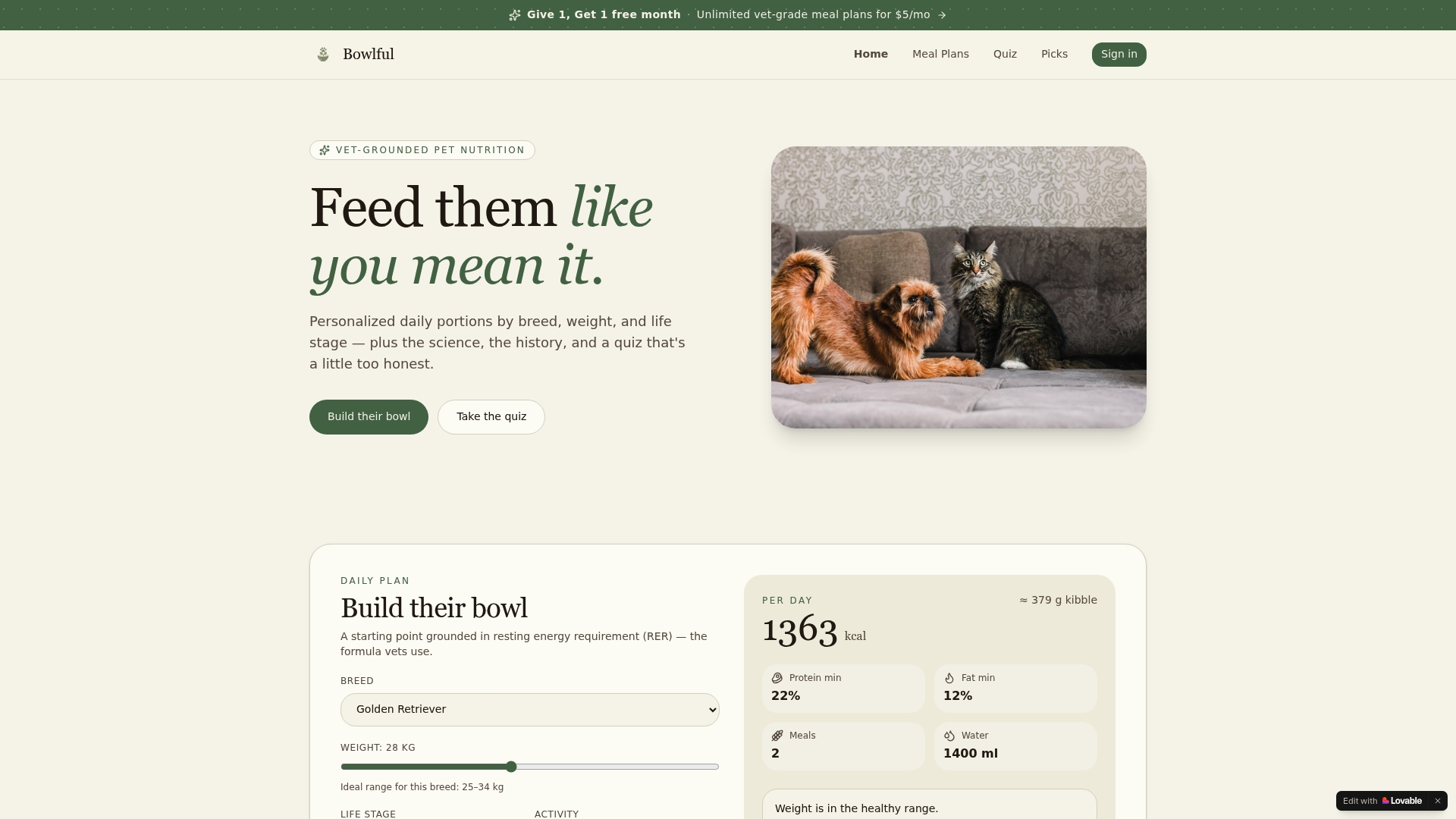
Say your feeder's default portion setting is a generic "medium dog" scoop. A Bowlful plan gives you the exact daily amount and feeding windows first, so every reminder or dispense afterward is built on the right numbers instead of a guess. Start with Bowlful's feeding plan tool and get portion sizes and windows dialed in before you finish setting up your reminder system.
Frequently Asked Questions
What is a pet feeding reminder system in simple terms? It's any tool, from a magnetic sticker to a Wi-Fi feeder, that alerts you to feed your pet, confirms the meal happened, or dispenses food automatically so nobody misses or duplicates a feeding.
Do I need an app or a smart feeder if I'm home all day? Probably not. A phone alarm or a simple whiteboard usually covers a single-owner household that's home most of the time. Save the automated feeder for travel or unpredictable schedules.
Can a smart feeder replace a vet-approved feeding schedule for a sick pet? No. Automatic dispensing handles timing and portions, but it can't judge whether your pet actually ate or adjust for a medical situation. Pair it with a written log and your vet's guidance.
How do I stop double-feeding in a multi-pet or multi-caregiver home? Use a shared confirmation method, either a synced app or a visible physical log, so every caregiver can see at a glance whether a pet has already been fed.
Are cloud-connected feeding apps safe for privacy? Check each app's data policy before connecting a camera or sharing location data. Stick to apps that clearly state what they store and for how long, and avoid linking sensitive household details unnecessarily.
Sources
- Feeding times and frequency for your dog | VCA Hospitals
- How often should dogs eat? | GoodRx
- Pet Feeding Reminder | Home Automation Cookbook
- Yougot